Customer records
Bring merchant and customer details, activity, calls, files, and follow-up into a shared record.
Unified CRM. Use Unified CRM to keep customer records, tickets, invoices, files, and approved client updates in one connected workspace.
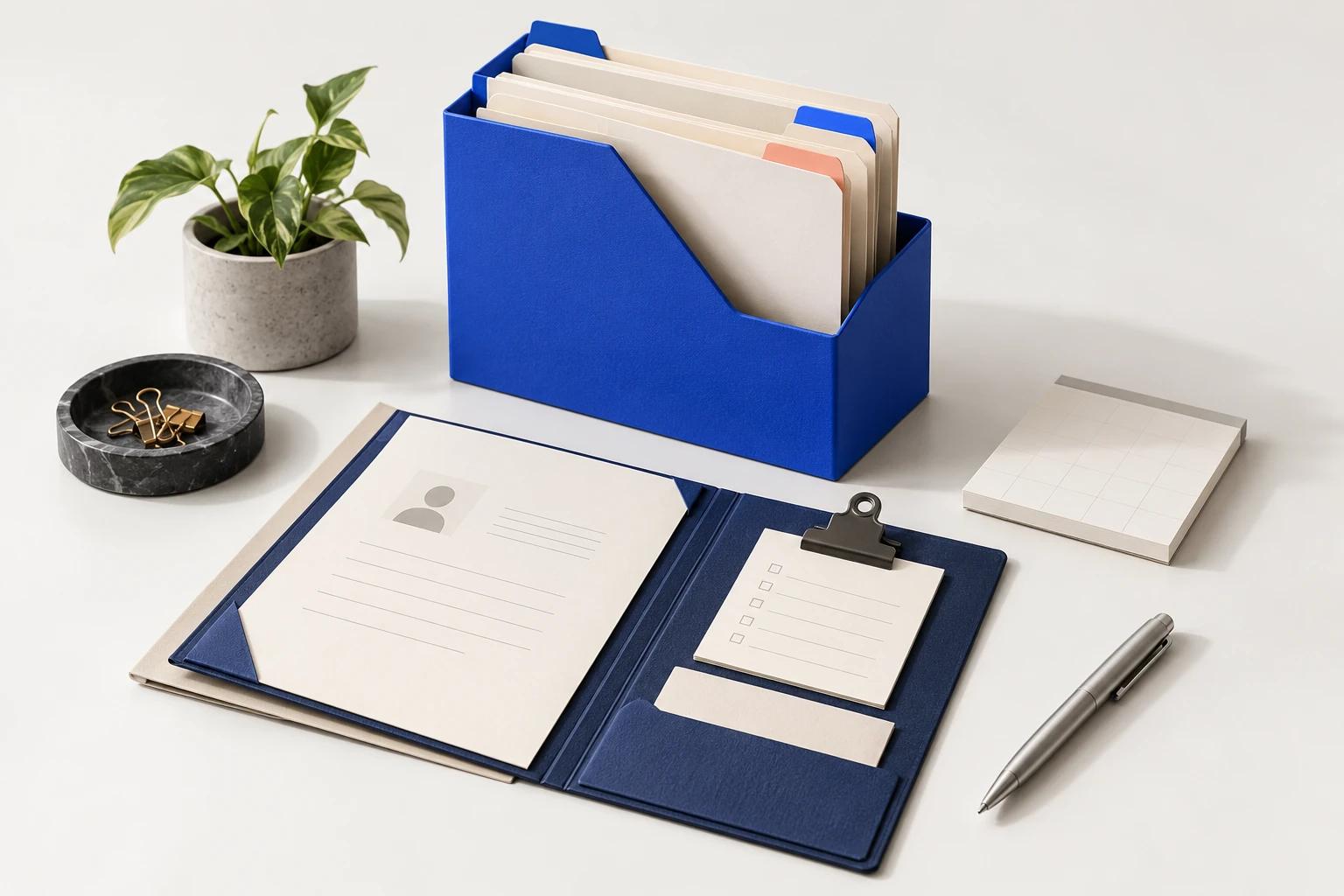
Representative preview
Explore sample product content that shows the workspace structure and primary interactions.
Use Unified CRM to keep customer records, tickets, invoices, files, and approved client updates in one connected workspace.
Interactive preview · sample data. Changes stay in this page.
Core capabilities
Bring merchant and customer details, activity, calls, files, and follow-up into a shared record.
Manage tickets, invoices, shipments, calendars, tasks, and team handoffs from the same workspace.
Work with documents, projects, files, whiteboards, team chat, and websites alongside customer context.
Use AI assistance and approved automations to prepare summaries, drafts, assignments, and follow-through.
Give clients a separate portal for the requests, files, invoices, schedules, and updates intended for them.
Review operational activity and configure access for the people responsible for the work.
Best fit
For teams managing customer accounts, service requests and follow-up work.
A focused rollout
Start with a clear customer journey, team, and outcome.
Set records, access, templates, and the services needed for that workflow.
Run the workflow with real owners and review the handoffs together.
Add more teams and automation after the first workflow is working.
Availability and boundaries
Availability
Available through a scoped Unified rollout
Connectivity
Uses network access for the workspace and configured services
Data boundary
Business records live in the configured Unified cloud workspace, with role-based access controls.
Current scope
Connected services, automation, and Eiko actions depend on the integrations and permissions included in your rollout.
Product FAQ
It goes beyond contacts. Unified CRM combines customer records with tickets, calls, invoices, shipments, calendars, files, projects, and operational follow-through.
No. Connections are configured as part of a rollout. Available behavior depends on the service, account permissions, and the workflow you scope with Unified.
UniPortal provides a separate customer-facing experience for the information and actions intended for clients. Employee workspace access remains distinct.
Related CRM workflows
Explore a CRM workflow for customer context, ownership, and follow-through.
Explore Customer operationsSee how requests can become owned work while internal and customer updates stay separate.
Explore Customer supportExplore Eiko summaries, drafts, and follow-up preparation with human review.
Explore AI-assisted CRM workSee a separate customer space for approved requests, files, invoices, schedules, and updates.
Explore Client portalShare the workflow, team, and environment you need to support. We will confirm the product fit and current scope.