Register and orders
Build orders, apply supported adjustments, take recorded tenders, and manage the active service queue.
Unified POS. Use Unified POS for orders, catalog items, tables, and day-close reporting at one station-local point-of-sale workspace.
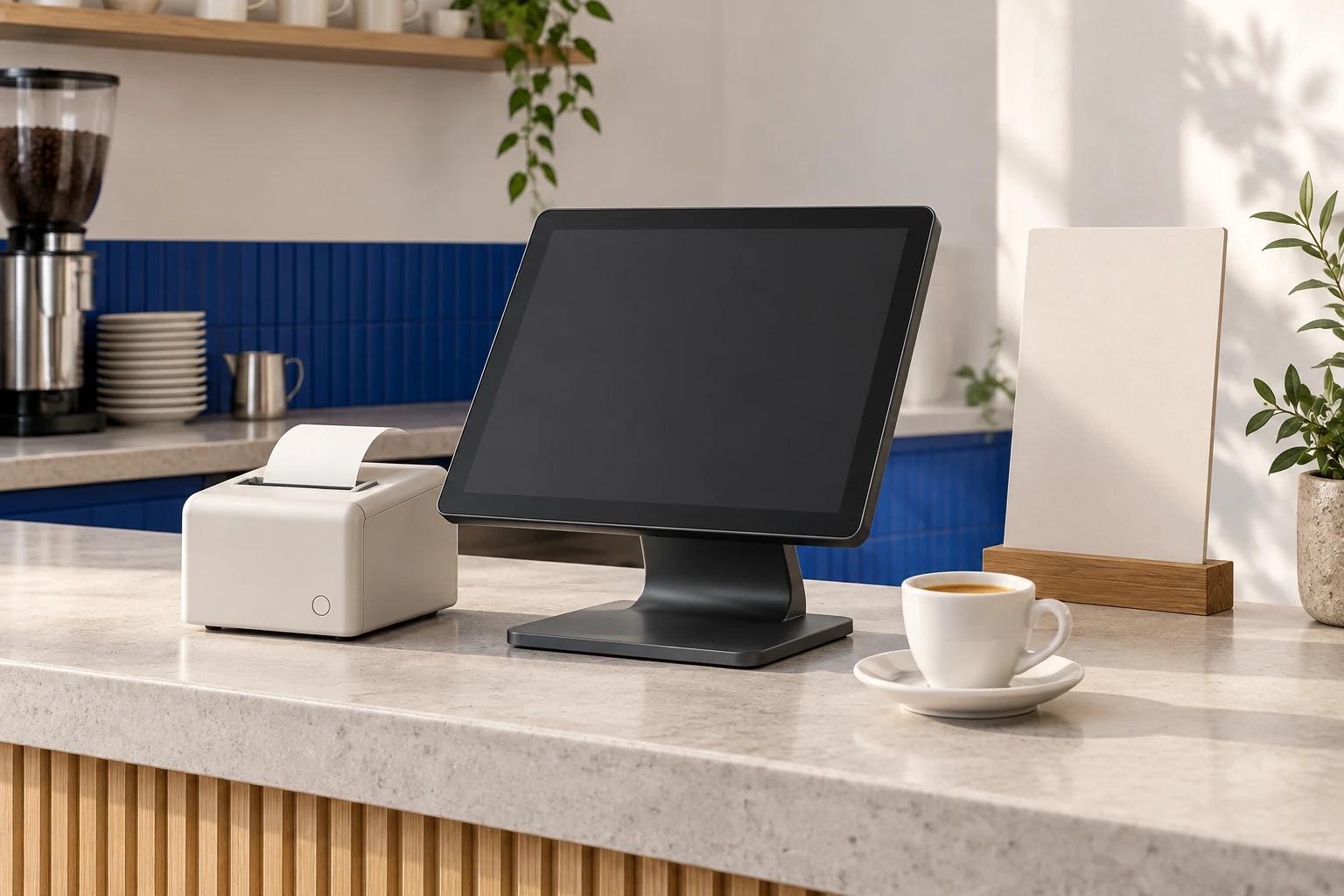
Representative preview
Explore sample product content that shows the workspace structure and primary interactions.
Use Unified POS for orders, catalog items, tables, and day-close reporting at one station-local point-of-sale workspace.
Interactive preview · sample data. Changes stay in this page.
Core capabilities
Build orders, apply supported adjustments, take recorded tenders, and manage the active service queue.
Route and progress order tickets through a kitchen display workflow on the station.
Manage table service, order status, and handoff between front-of-house and preparation views.
Configure the products, categories, options, and availability shown at the register.
Use cash-drawer, staff, timeclock, printing, and day-close tools for station-level accountability.
Review sales activity, complete Z/day close, and export or archive station records.
Best fit
For businesses exploring a local-first counter and restaurant operations setup.
A focused rollout
Set up the menu, staff roles, taxes, tenders, printers, and service mode.
Take orders through the register, kitchen, table, payment-recording, and close steps.
Test the exact printer, cash drawer, display, and external payment terminal used on site.
Export and archive the local records, then assess the fit before wider use.
Availability and boundaries
Availability
Best suited to scoped pilots, training, and station-level operations
Connectivity
Core station workflows are local-first; there is no shared backend sync today
Data boundary
Operational records are stored on the individual station. Stations do not automatically share orders, settings, or reports.
Current scope
Card payments are recorded after approval on an external terminal. Unified POS does not process or settle card payments.
Product FAQ
Not today. The current product stores operational data on each station and has no shared backend or cross-station synchronization.
No. Staff can record a card tender after an external terminal approves it, but Unified POS does not authorize, capture, or settle the card transaction.
Reservations, customer management, purchase orders and vendors, table ordering, online orders, and promo codes are preview areas rather than production-ready workflows.
Plan your rollout
Discuss exports, catalog setup, external payment terminals, and the exact local workflow to test.
Explore Integration scopingReview the station, hardware, training, and external-terminal factors a written quote should cover.
Explore Pricing and rolloutShare the workflow, team, and environment you need to support. We will confirm the product fit and current scope.