Prepare for your next step.
Search this directory for a real Unified page, or open a getting-started guide to prepare for a product conversation.
Getting started
Bring the right questions to the first conversation.
These short guides describe what to prepare. They do not install, activate, or order a product.
 Unified CRMPrepare a CRM conversation
- 1Choose one customer workflow that causes repeated work.
- 2List the records, people, and access that workflow needs.
- 3Decide what employees handle and what customers may see in UniPortal.
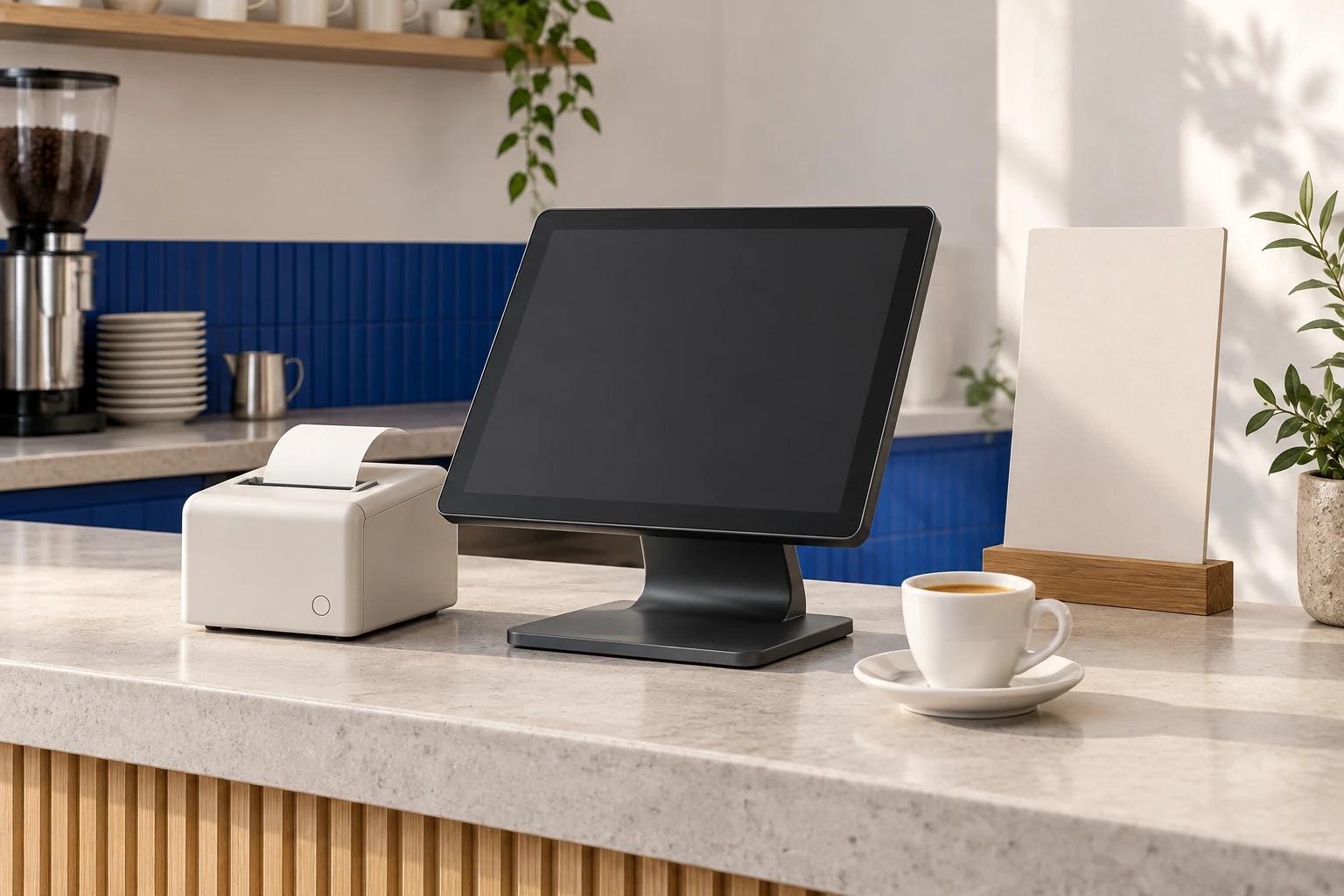 Unified POSPrepare a POS conversation
- 1List the orders, catalog, tables, day-close, and receipt needs for one station.
- 2Identify the local hardware and external payment terminal involved.
- 3Plan station-local storage, backups, and operating responsibilities without assuming network sync.
 Luma OfficePrepare a Luma evaluation
- 1Confirm the Windows environment and office tasks you want to evaluate.
- 2Identify which workflows are local and which require CRM context.
- 3Plan for CRM login and network access; do not assume public download availability.
 AI-assisted workPrepare a review workflow
- 1Choose a sample summary or draft that a teammate can review.
- 2Define the approved context and the person responsible for the decision.
- 3Check the draft before taking any external action.
Resource directory
Search by product or task.
16 resources
Unified CRM overview
Customer records, support, AI assistance, and portal workflows.
Unified POS overview
Station-local orders, catalog, tables, and day-close work.
Luma Office overview
Windows development availability for office and connected CRM work.
Compare the products
See which product fits the work you want to improve.
Pricing and quote factors
Understand what shapes a written Unified quote.
Connection scoping
Explore connection patterns and the questions needed to test them.
Customer operations
Organize customer requests, ownership, and follow-through.
Customer support
Route requests, preserve context, and keep customers informed.
AI-assisted CRM work
Use Eiko to prepare summaries and next steps for review.
Marketing preview
Evaluate provider-free sample campaigns, content scheduling, analytics states, and connection setup.
Client portal
Give customers a separate place for approved information.
Privacy Notice
How information is collected, used, shared, and retained.
Data requests
Request access, correction, or deletion of your information.
Terms of Service
Review the development-draft service and commercial terms.
Refund Policy
Review refund conditions and how to contact the team.
Cookie Policy
Understand browser storage and manage optional measurement consent.